×
Connect your Meta Ads and Google Ads accounts to Claude through Detrics. In 5 minutes, you'll have an analyst reviewing your campaigns 24/7.
 +
+
 →
→

This guide shows you how to connect your ad platforms to Claude using the Detrics MCP. When you're done, you'll be able to ask Claude things like "how did my Meta campaigns perform this week vs last week?" and get analysis based on real data, not hallucinations.
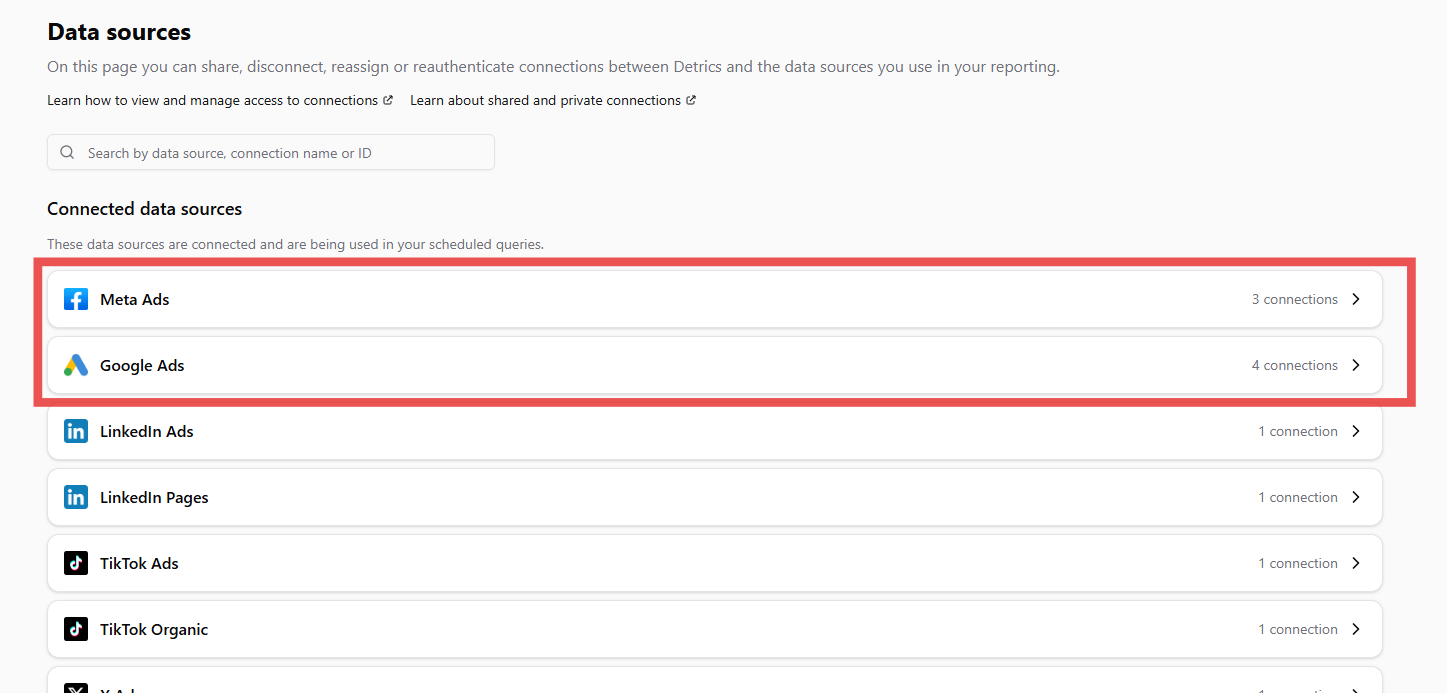
Go to the Data Sources section in Detrics and connect your Meta Ads and Google Ads accounts. If you already had them connected, verify they're active.
Meta Ads
Google Ads
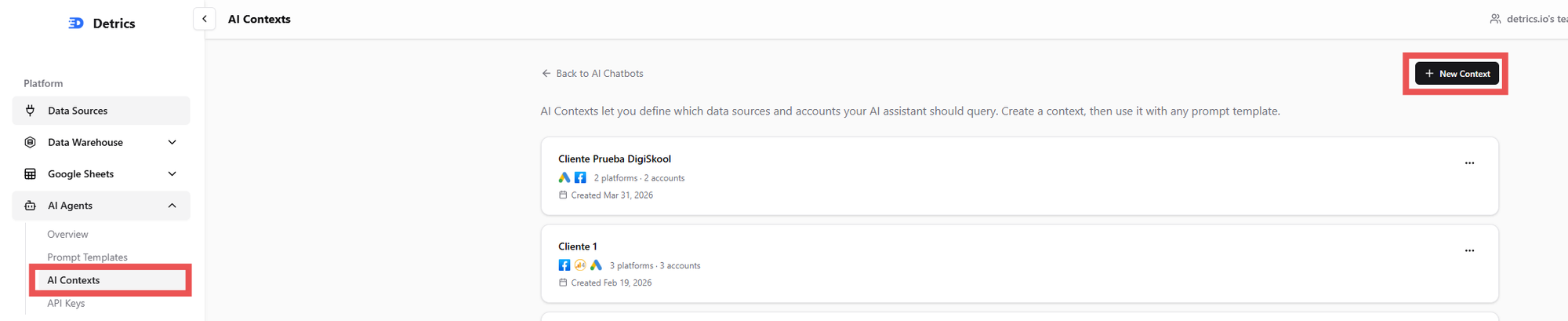
A Context is a grouping of accounts that belong to the same client or project. For example: the Meta Ads + Google Ads accounts for "Client X" form one context. This way, when you ask Claude about that context, it knows exactly which data to query.
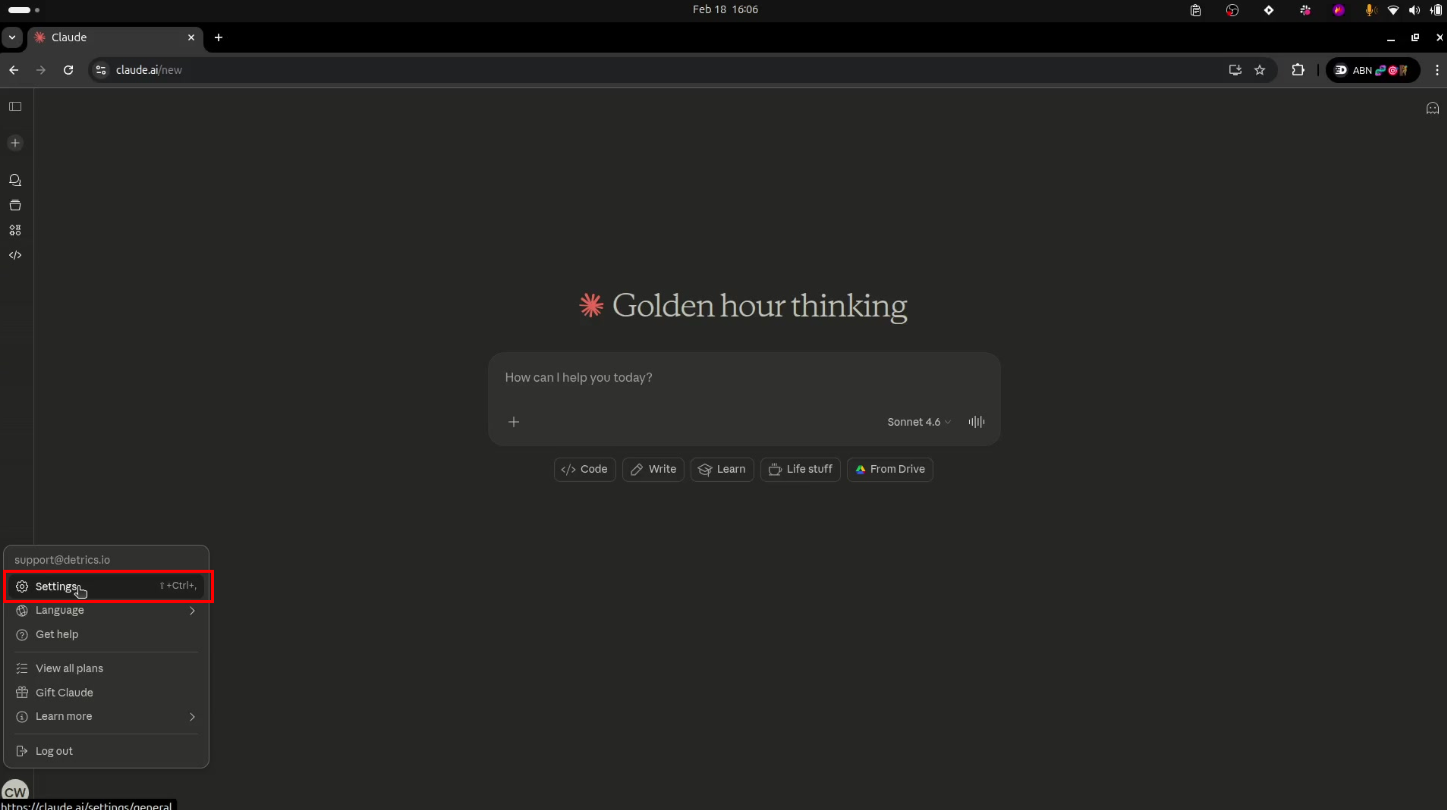
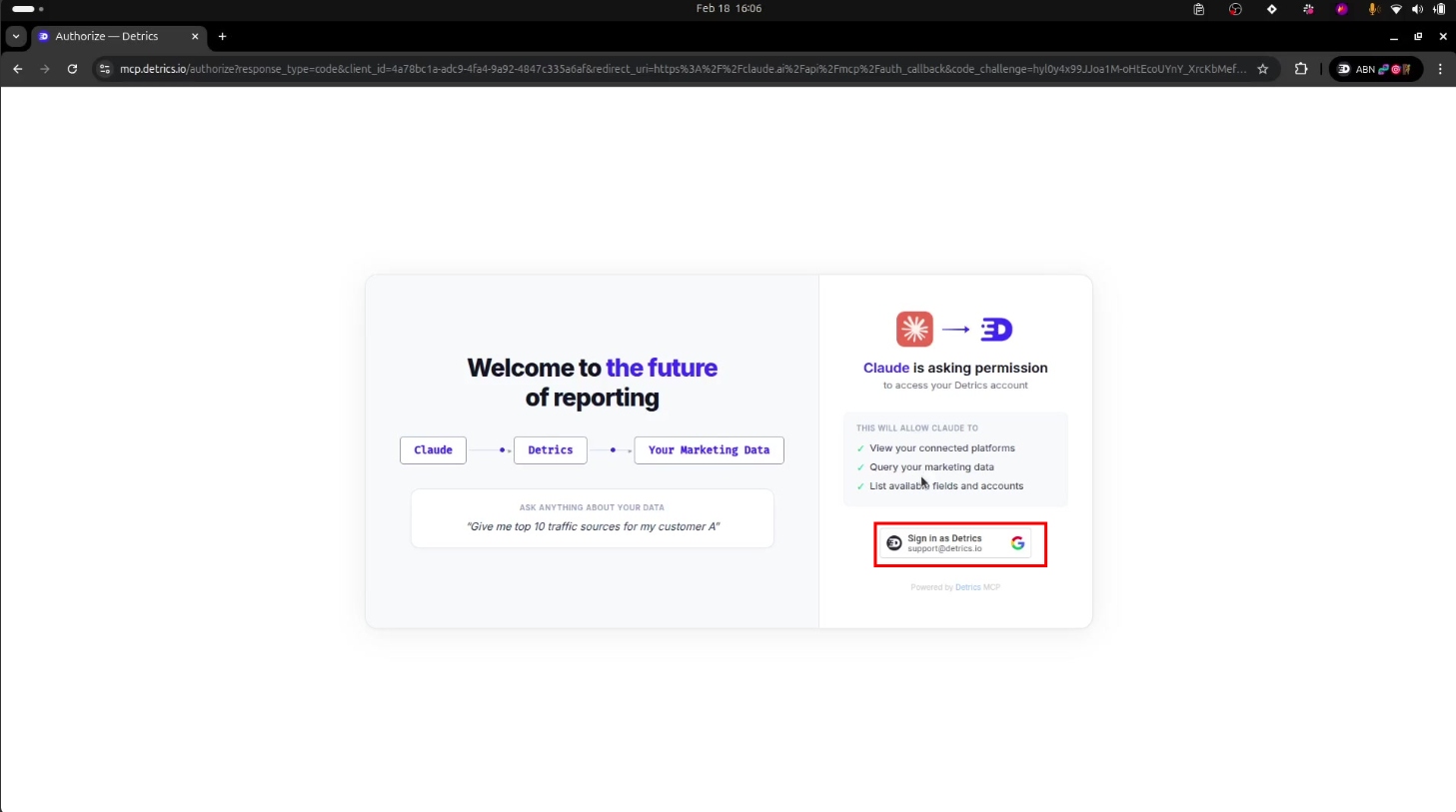
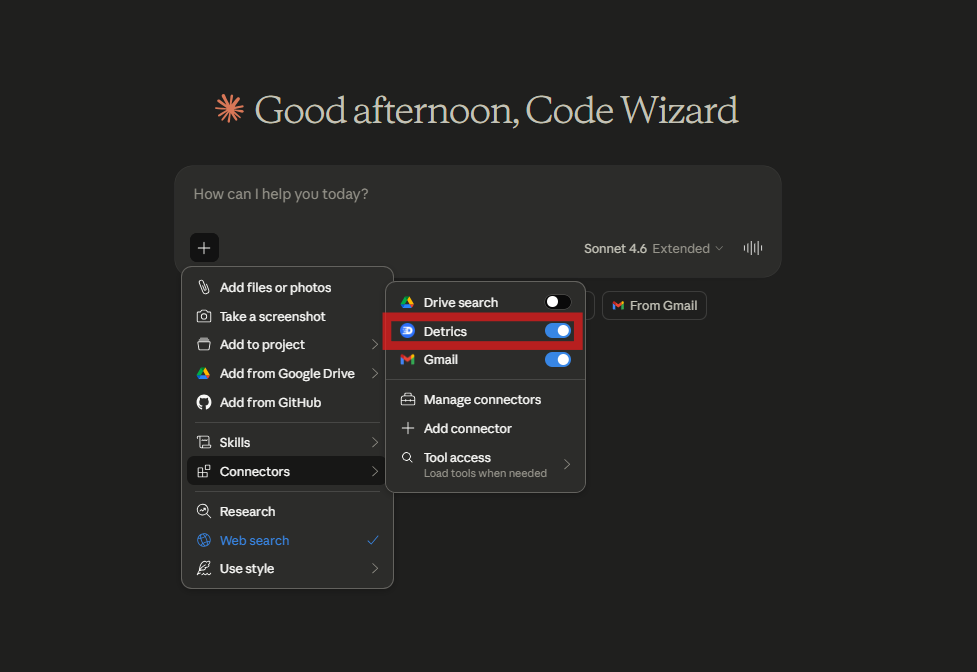
Now we connect Claude with Detrics. The MCP (Model Context Protocol) gives Claude direct access to your marketing data. You don't need to install anything — it's configured from claude.ai.
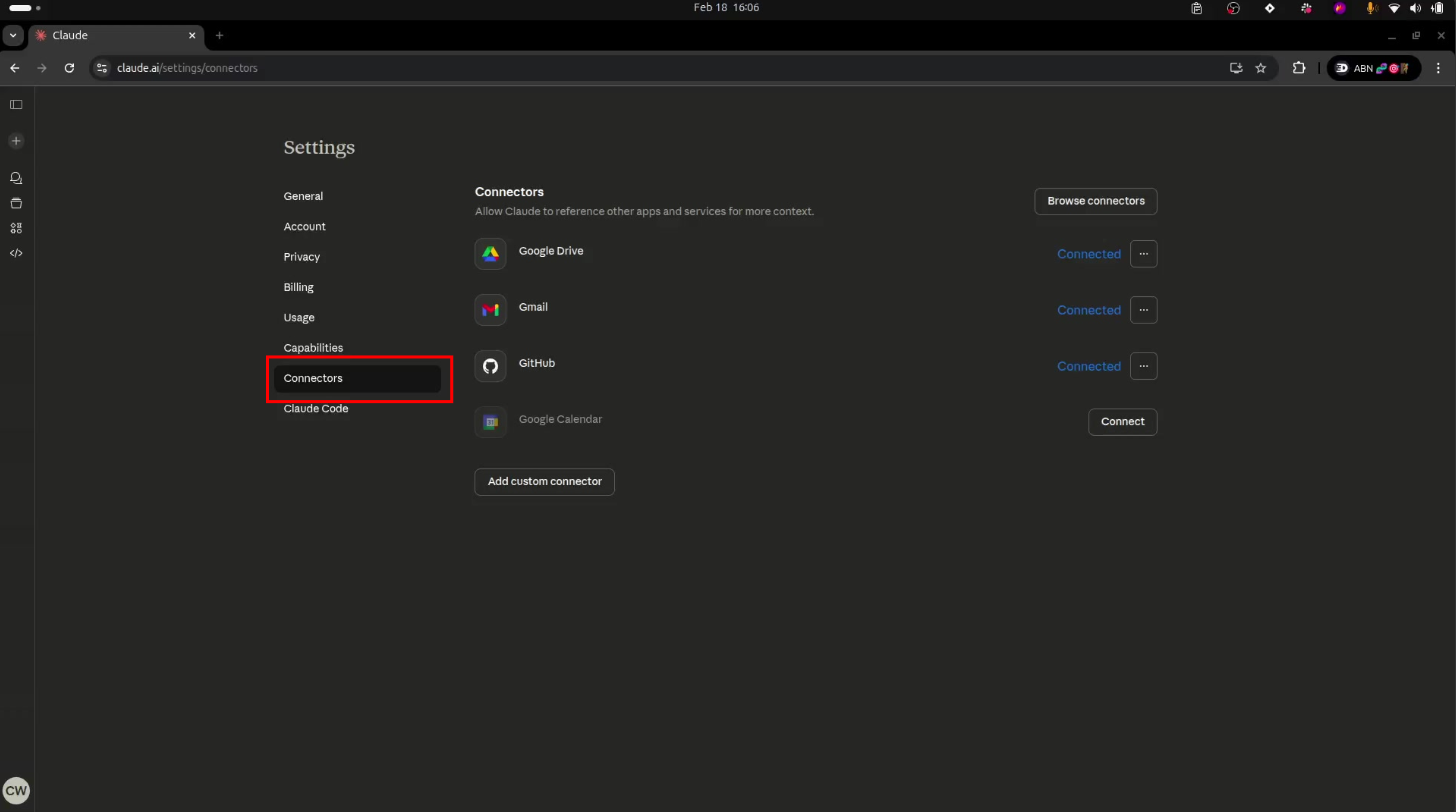
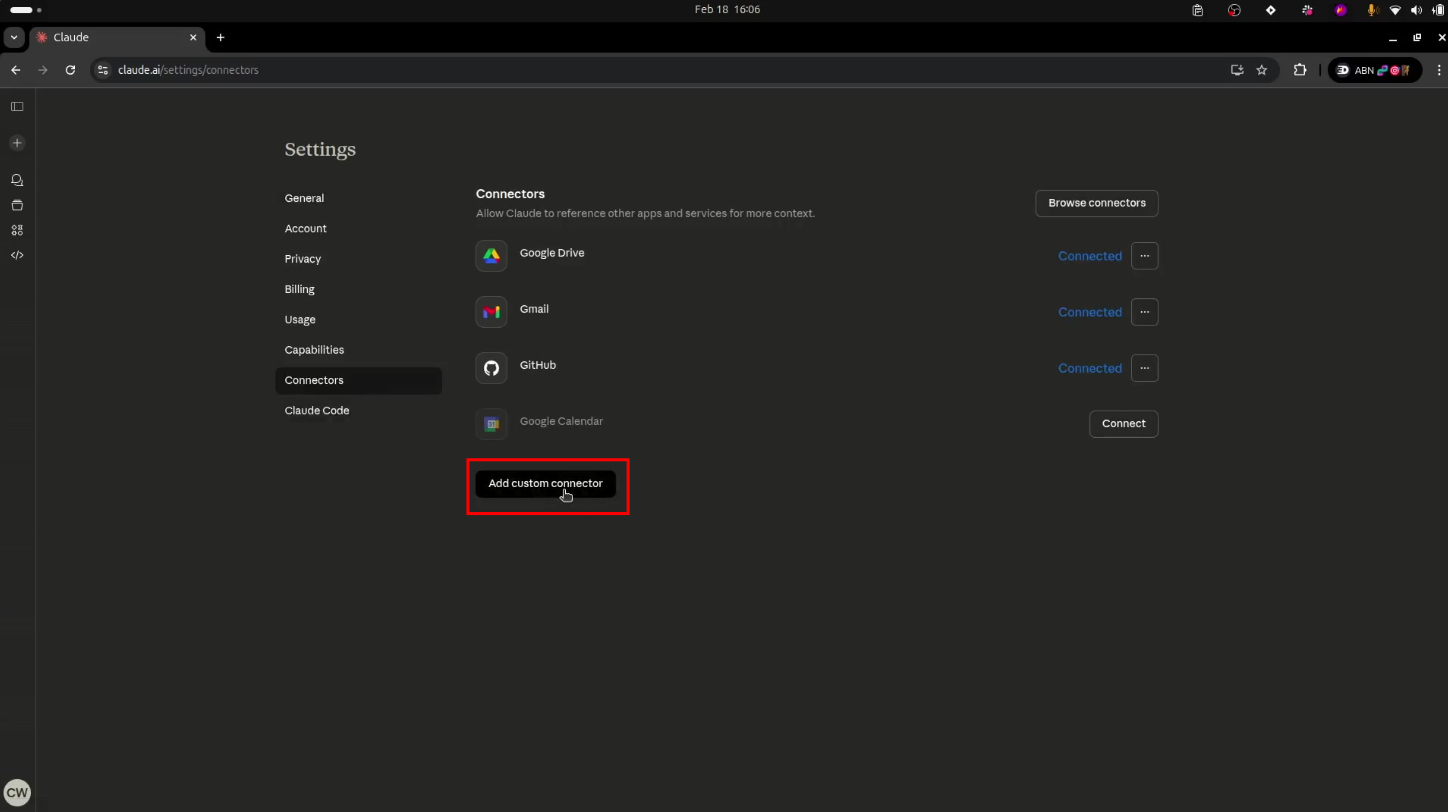
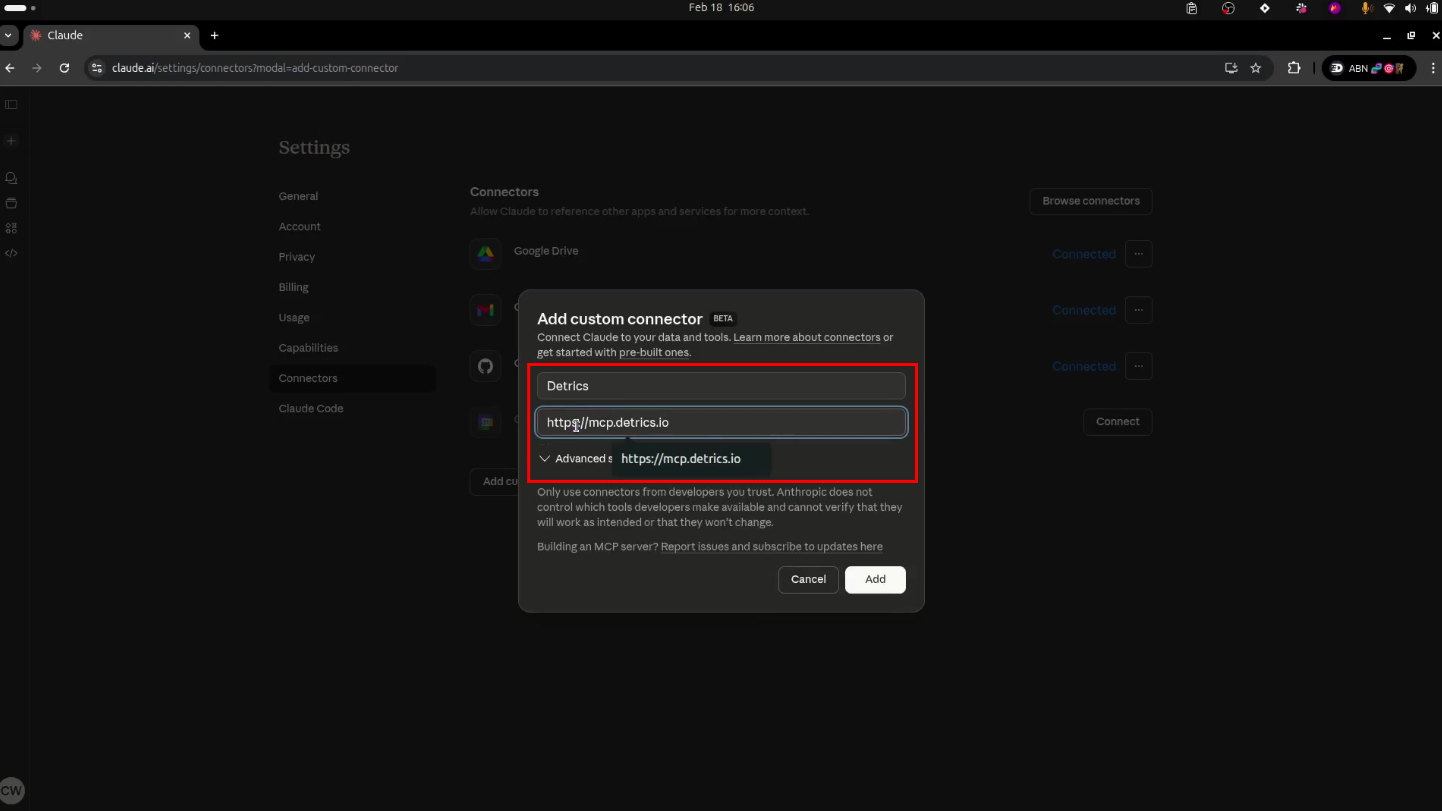
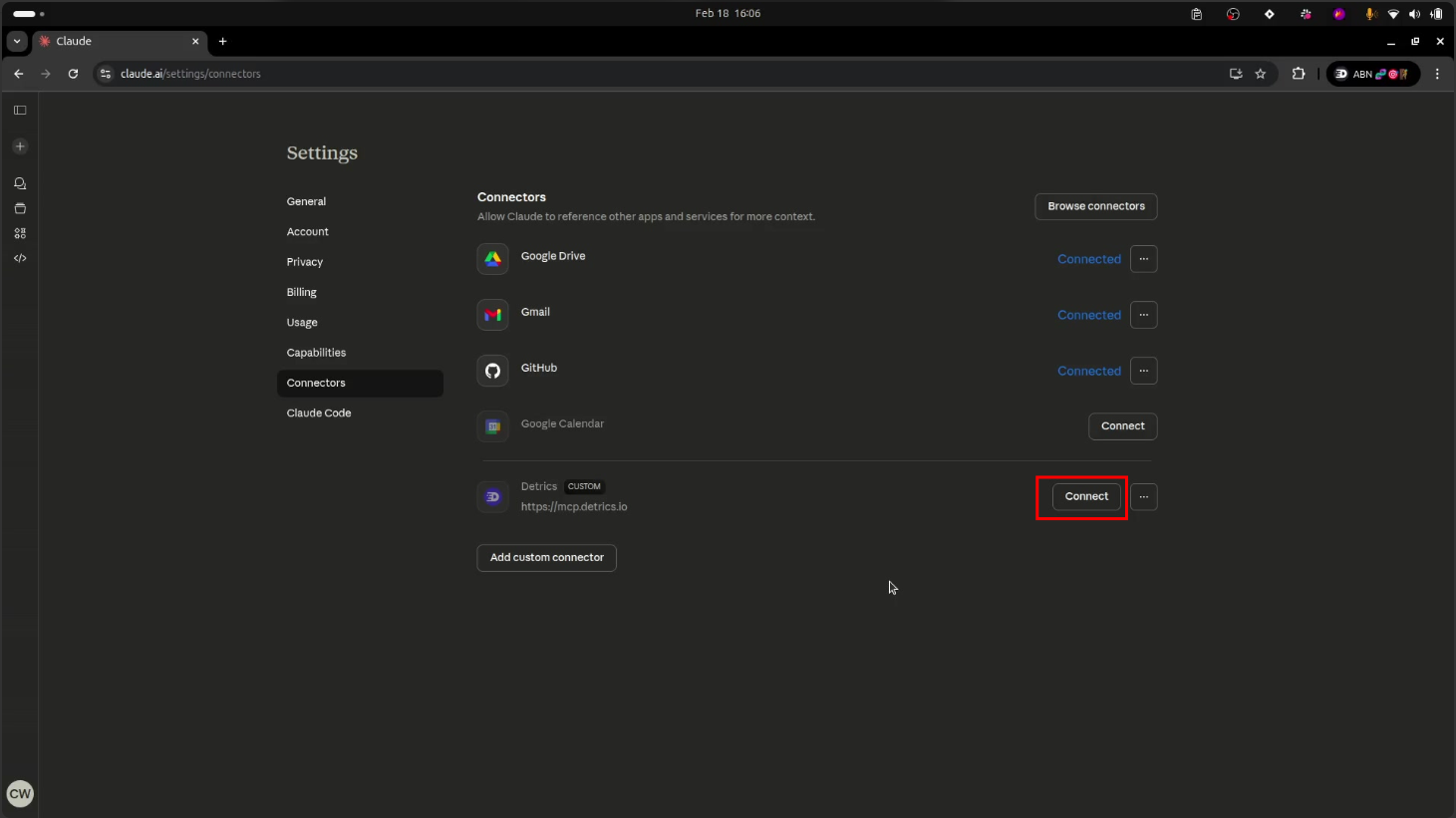
What contexts do you see for Detrics?
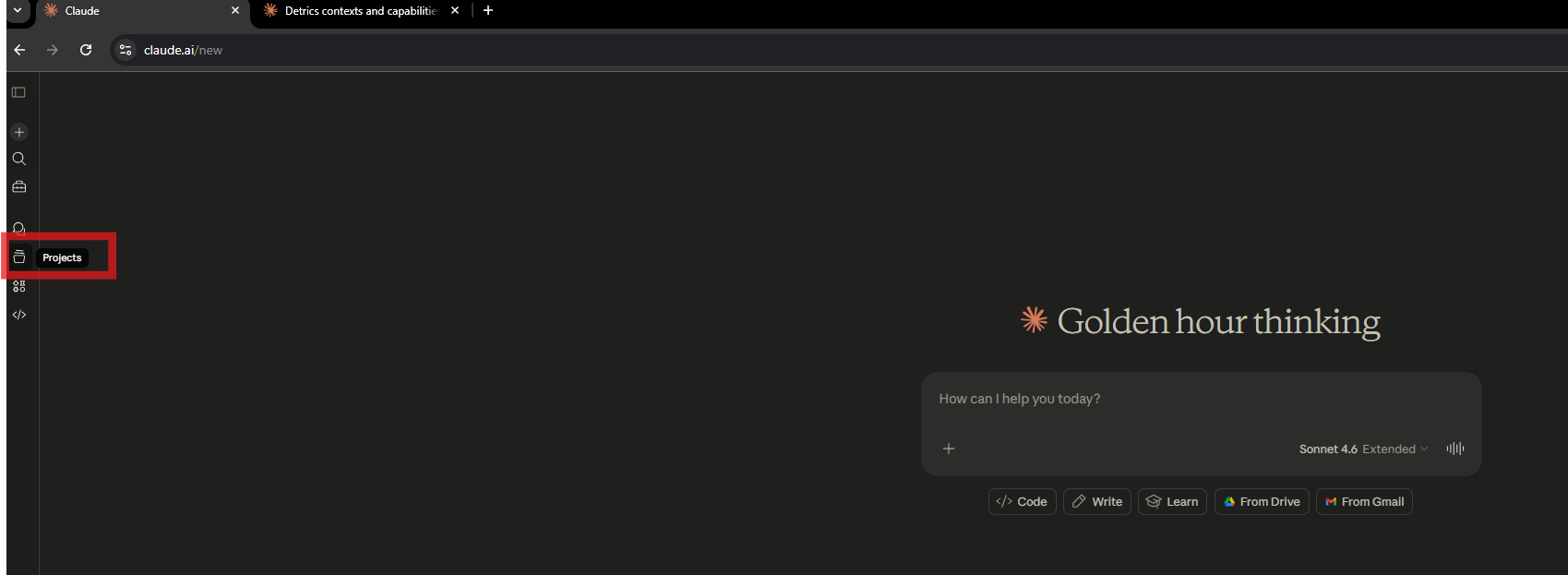
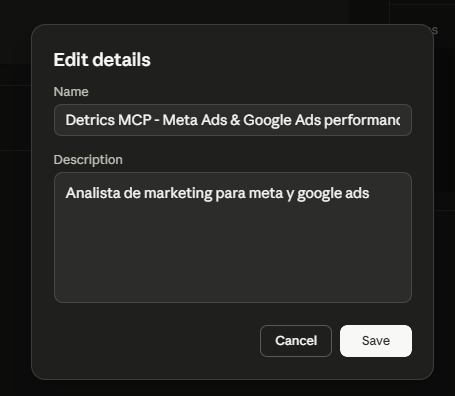
Now we'll create a Project in Claude with specific instructions so it behaves like an expert performance marketing analyst. This is what transforms Claude from a generic chatbot into your personal analyst.
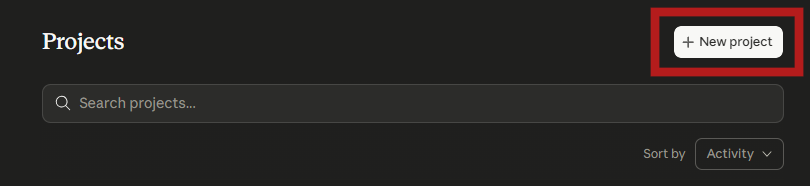
Name:
Description:
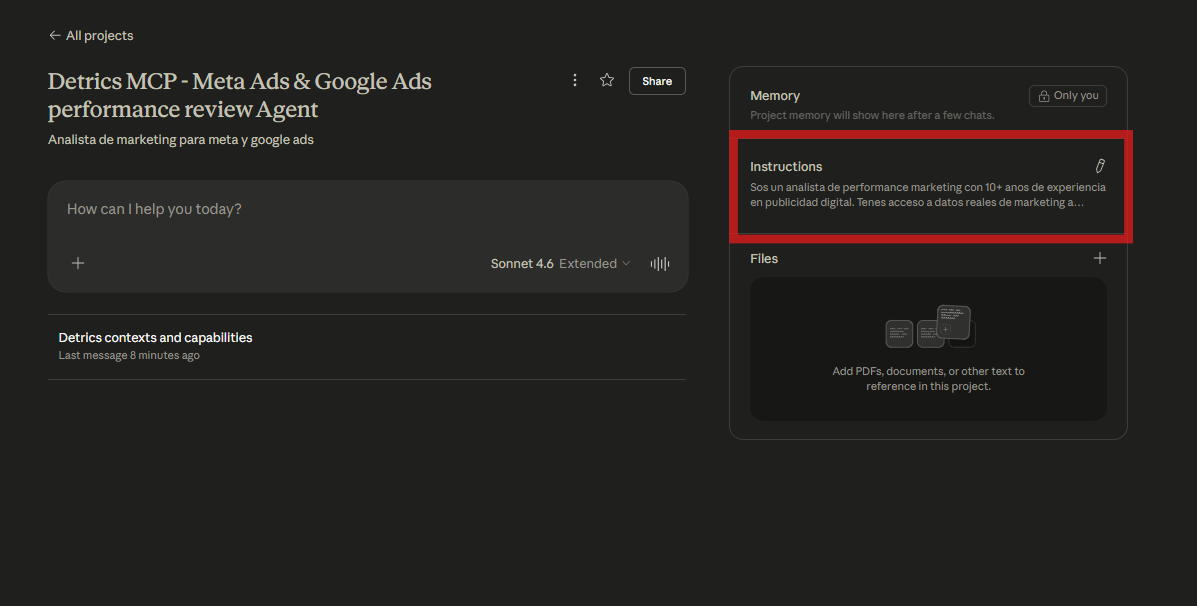
Copy and paste this into the Instructions section of your project:
Open a new chat in your project and try these prompts. Replace {your context} with the context name you created in Step 2.
Create your Detrics account (free plan available) and follow these steps.
Create free account